White Balance Basics: Getting Color Right
White balance basics for beginners: why photos turn orange or blue, what the presets do, and how to get natural, true-to-life color in any light.
 Nadia Ross
New here?
New to Horzib? These are the guides we'd hand a friend who's just getting started — a clear, practical place to begin.
Basics
Understand your camera without the jargon — exposure, focus, and the settings that actually change your photos.
White balance basics for beginners: why photos turn orange or blue, what the presets do, and how to get natural, true-to-life color in any light.
Nadia Ross
How to get sharp focus every time: choosing focus points, matching autofocus modes to your subject, and the habits that stop soft, missed shots.
Nadia Ross
ISO explained without the fear: how it brightens a dark scene, why it adds the grain we call noise, and when to raise it for sharp low-light photos.
 Leo Fontaine
Shutter speed made simple for beginners — how to freeze fast action, blur motion on purpose, and avoid camera shake in your handheld everyday photos.
 Iris Vance
Composition
See like a photographer — framing, light, and the simple choices that turn a snapshot into a photo you're proud of.
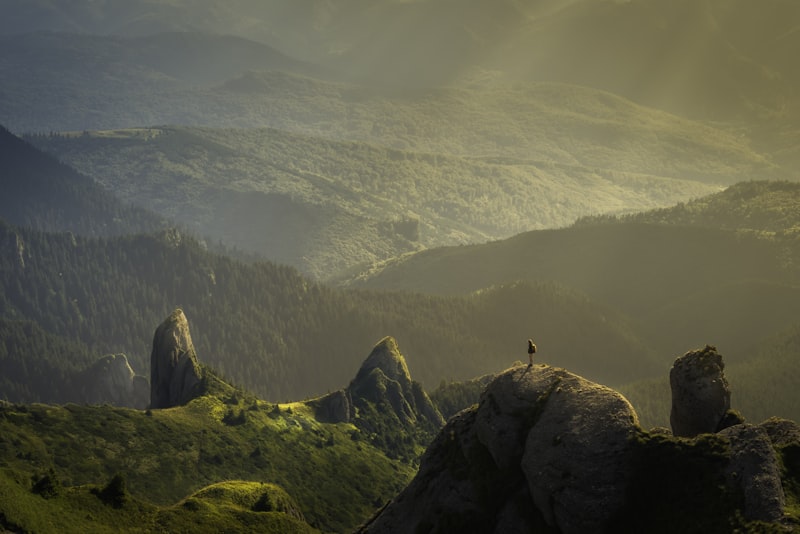
Understand the difference between soft and hard light, why the size of the light source matters, and how to choose or create the right light for your photo.
Leo Fontaine
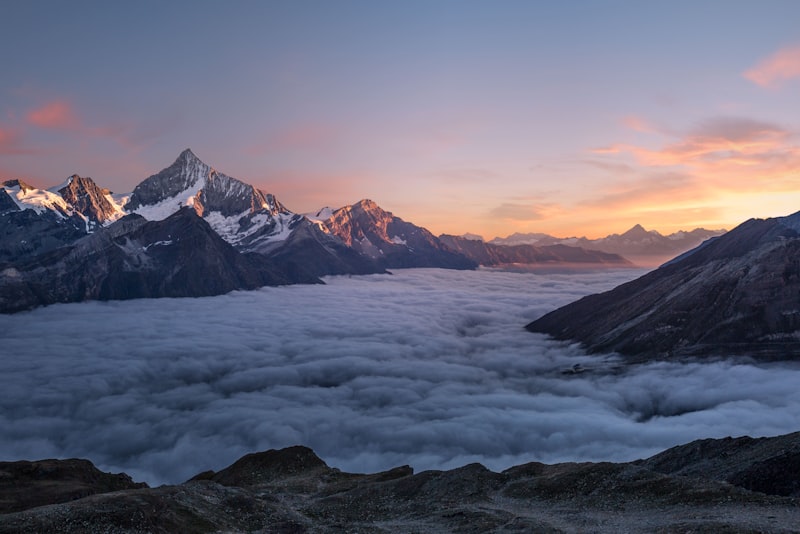
Bright overhead sun is tricky, not hopeless. Learn to find shade, use backlight, position subjects, and get clean photos in harsh midday light.
Leo Fontaine
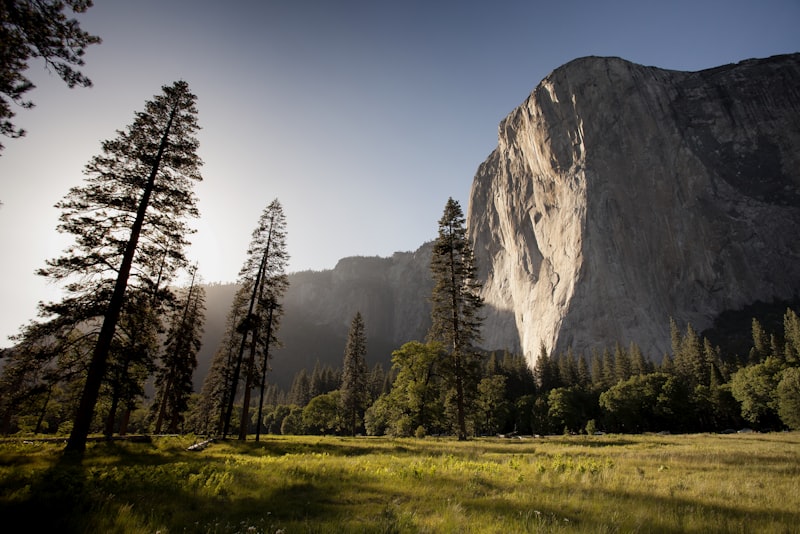
Use natural frames like doorways, windows, and branches to add depth and focus to your photos — how to find them, position them, and avoid common mistakes.
Nadia Ross
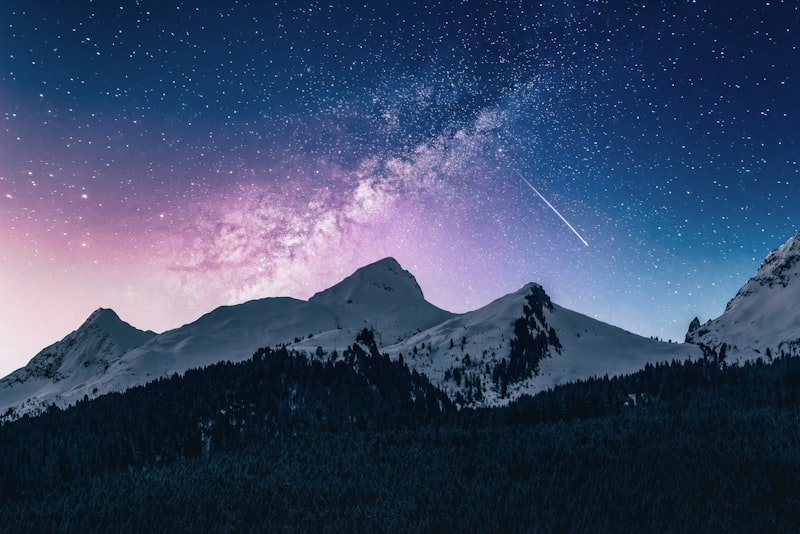
A beginner's guide to negative space — using empty areas around your subject to create calm, focus, and mood, plus common mistakes to avoid.
Iris Vance
Editing
Edit with a light, honest hand — organizing photos, basic adjustments, and a workflow that doesn't eat your evening.
The best free photo editing software for beginners — honest picks for organizing, everyday adjustments, and raw files, plus how to choose without paying a cent.
Nadia Ross
A plain-English guide to backing up your photos so you never lose them — the 3-2-1 rule, external drives, cloud backup, and a routine that runs itself.
Nadia Ross
Fix color casts and get natural-looking photos — how to correct white balance with temperature and tint, judge skin tones, and adjust color without overdoing it.
Leo Fontaine
A beginner's guide to fixing exposure and contrast in editing — reading the histogram, recovering highlights and shadows, and adding depth without overdoing it.
Leo Fontaine
Gear
Get more from the camera you have, phone included — what gear matters, what doesn't, and when to upgrade.
A practical checklist for buying a used camera safely — what to inspect, which numbers to check, and the red flags that signal you should walk away.
Nadia Ross
Do you actually need a tripod? An honest look at when a tripod transforms your photos, when it just weighs you down, and how to choose one.
Leo Fontaine

A safe, step-by-step way to clean your camera and lens at home — the right order, the right tools, and the mistakes that scratch expensive glass.
Nadia Ross
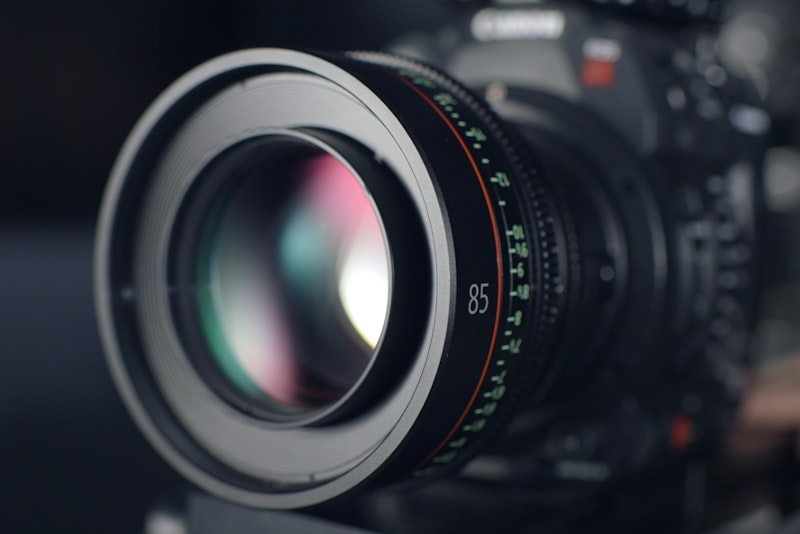
Wondering if it's time to buy a real camera? Honest signs your phone is holding you back, and when a dedicated camera is genuinely worth it.
Iris Vance